New Norn’s sizing in your shopping chat →

Size & fit for Shopify

Measured,
not guessed.

Upload your size chart. Norn reads it, recommends each shopper’s size on the product page, and remembers it across your store. Fewer people order the wrong size, and fewer send it back.

Free to start · installs in minutes · no code · see it live on Lumen ↗ (password: fit)

NornLive preview
Takes 30 seconds

Let’s find the size
that actually fits.

Answer two quick measurements and we’ll recommend your size for this piece. No guesswork, no returns.

1
Tell us your measurements
Chest and sleeve — on a ruler, no typing.
2
Get your size
One recommendation, matched to this product’s chart.

Saved to your account for next time

Step one
Upload a chart
Step two
Norn reads it
Step three
Shoppers get their size
01

Returns are an apparel problem,
and they start with size.

When a shopper can’t tell which size fits, they do one of two things: leave, or over-order — buying two or three sizes and sending most back. Both cost you. A confident size recommendation lifts the sale and prevents the return.

70%

of apparel returns come down to fit and size.

Source · McKinsey

$890B

in merchandise returned across US retail in a single year.

Source · NRF / Happy Returns

72%

of retailers now charge for returns, while 81% of shoppers still expect them free.

Source · NRF

1 in 3

shoppers abandon a purchase when they’re unsure of their size.

Bold Metrics

02

How it works

Three steps, and the longest one takes seconds.

Step one

Upload your chart.

An image or a PDF works. Use the chart you already have, with no reformatting.

Step two

Norn reads it.

It becomes a sizing grid in seconds. You review it, then publish. You stay in control.

Step three

Shoppers find their size.

A short “Find my size” quiz names their size, and Norn remembers it everywhere that chart applies.

Norn reads the chart, you review it.
03

What makes Norn different

Most size-chart apps stop at a pop-up. Norn holds your chart as real data, and that changes what’s possible.

One chart, one source of truth.

Read it once. It drives the size guide on the page, the recommendation, and every product that shares it. Update it in one place and it changes everywhere, so you never duplicate a chart per product.

Protects you

Accessible by design, which protects you.

Because Norn holds your chart as real data, it renders a proper, screen-reader-friendly table instead of a flat image. Image-only charts are a known accessibility gap, and they invite ADA complaints. An accessible chart fixes that.

No lock-in

Your data stays yours.

Measurements live in your own Shopify customer profiles, and your chart lives in Shopify’s native data. It’s portable and exportable, with no lock-in. There’s no data flowing back to us, so you’re never billed per quiz or per shopper.

It shows its work.

Norn names a size and shows the shopper why, comparing their measurement against your chart. On Studio and up, it also nudges them if they pick a different size. No black box.

04

What your shoppers see

The whole flow, on your product page: two ways in, a quiz on a ruler, the size with the math behind it, and a quiet nudge if they stray. Step through it.

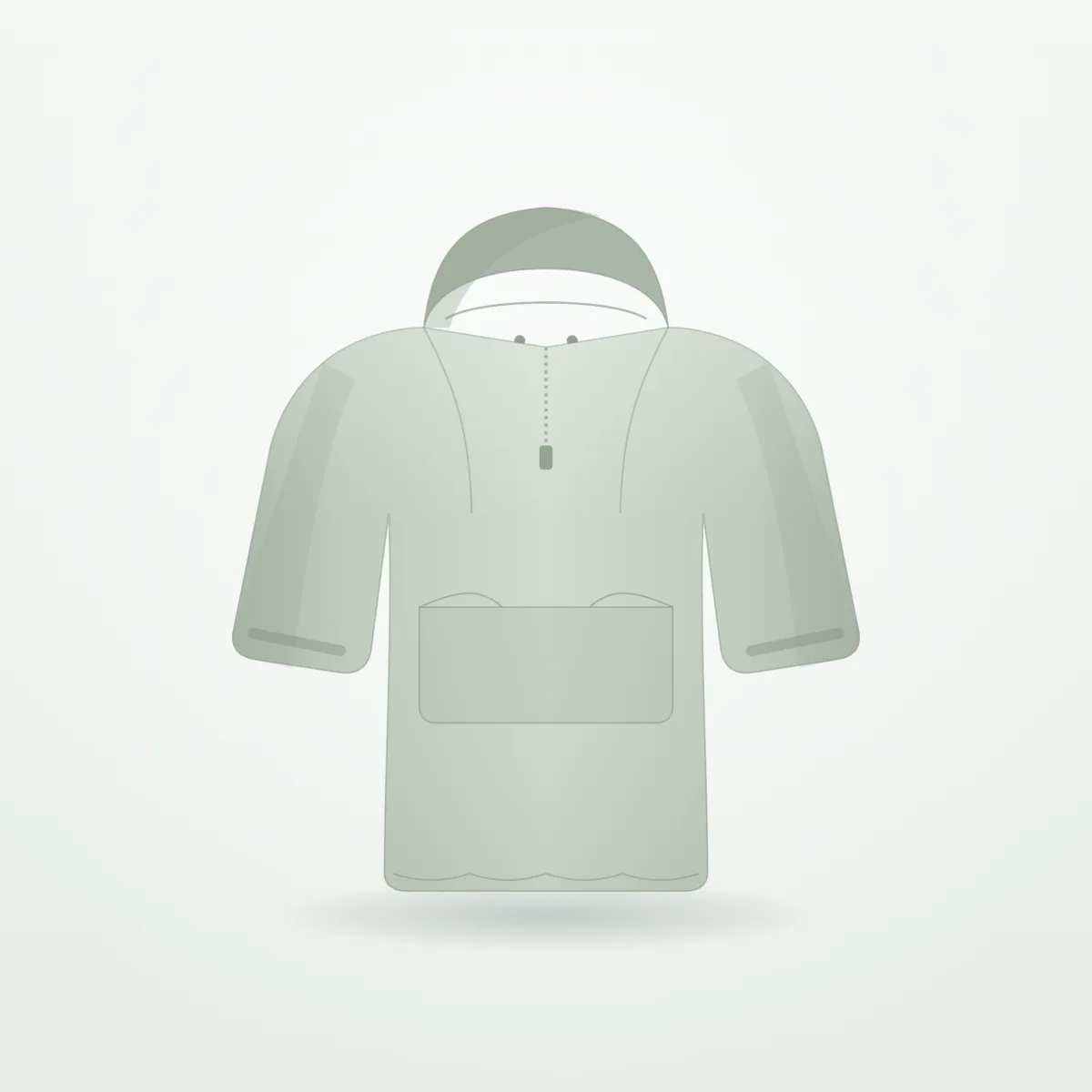
Vidda Packable Anorak in sage

Vidda Outdoor

Vidda Packable Anorak

$186.00

Size — select

XSSMLXL
Norn block
05

What you see

Norn isn’t one widget — it’s six native Shopify surfaces, across your storefront, admin, checkout, and customer accounts. Each one is built on Shopify’s own extension points and unlocks with your plan.

Free

Fit Quiz

Find my size on the product page.

Storefront · theme block

Studio +

Product Insights

Fit metrics on the product page.

Shopify Admin · products

Studio +

Customer Fit

Fit profile on the customer page.

Shopify Admin · customers

Studio +

Order Fit

Recommended size next to what shoppers ordered.

Shopify Admin · orders

Growth +

Checkout Nudge

Size reminder at checkout.

Checkout extension

Growth +

Customer Account Fit

Saved measurements in the customer account.

Customer accounts

06
New · Every plan

Ask Sidekick about fit.

Norn plugs its fit data into Shopify Sidekick, the AI assistant already in your admin. Ask a question in plain words, and Sidekick calls Norn’s tools to answer it with your own charts, orders and shoppers.

Sidekick Example

Which products get ordered in the wrong size most?

Norn list_size_mismatches

The Wrap Midi Dress leads: 9 measured orders came in a size other than the one Norn recommended, 7 of them one size up.

Open in Norn ↗

It works like an MCP server.

If you’ve connected tools to an AI agent, this is that pattern, built on Shopify’s own extension point. Norn registers 15 tools with Sidekick. Sidekick picks the right one for your question, runs it inside Shopify with your store’s sign-in, and links you straight to the page in Norn.

  • 15 tools, all read-only. Sidekick can look, never change.
  • Included on every plan, Free too.
  • Nothing to connect. It comes with the app.
  • “Which orders came in a size other than the one Norn recommended?” list_size_mismatches
  • “How often do shoppers order the size Norn gives them?” get_fit_activity
  • “Which products don’t have a chart yet?” search_products
  • “What size does our denim chart give a 32″ waist?” recommend_size
  • “What’s the most common size on the dress chart?” get_size_distribution
  • “What size is Maya Chen on our tops?” get_customer_fit
07
New · Growth and up

Your size, in any
shopping chat.

Shoppers ask chat bots and AI assistants what size to buy. Norn gives them the answer from your charts. Turn on shopping agents and Norn hands you one URL, an MCP server for your store. Add it to an agent, and it can find the product, ask for the right measurements and name the size.

Store chat · Vidda Packable Anorak Example

What size should I get in this?

Norn get_size_guide

Measure your chest at its fullest, and your sleeve from the back of your neck to your wrist. What do you get?

41″ chest, 24½″ sleeve.

Norn recommend_size

Your size is M. Both measurements sit in M on this chart, and it’s cut relaxed for a layer underneath.

Add M to cart

One URL. Three tools.

It’s the same sizing as the fit quiz: your charts, your fit preference, the same answer. The agent does the talking, and Norn does the measuring.

  • find_product Finds the product from a page URL, a handle, an id or the shopper’s words.
  • get_size_guide Reads what to measure, in which unit, and the sizes on your chart.
  • recommend_size Names the size and the variant to add, and records it like a fit quiz.
  • Nothing to install. Copy the URL from Settings.
  • Anonymous. Agents never read or write customer profiles.
  • Replace the URL or turn it off any time.
  • The chat bot on your product page

    Add the URL to your help desk’s AI chat. A shopper asks “what size am I?” mid-browse, and the bot already knows the page they’re on, so Norn knows the product.

  • ChatGPT, Claude or your own assistant

    Any assistant that connects to an MCP server can ask Norn. Build a stylist bot, a gift finder or a WhatsApp concierge, and the sizing comes from your charts.

  • Orders that trace back

    Every size an agent gives comes with a cart attribute. Add it to the cart, and the order shows in Insights next to fit quiz orders.

09

Built by a craftsman.
Shaped by merchants.

Norn isn’t an after thought feature bolted onto a bigger suite. It’s the work of a small team led by someone who has spent years building Shopify apps at scale, and identified through that experience that fit data is broken.

We’re opening a small circle of founding advisors — apparel merchants who shape the roadmap and get the best fit experience on Shopify before anyone else.

  • You run an apparel store on the cutting edge — you reach for the new thing before it’s obvious.
  • You love good tooling and have real opinions about what a fit tool should do.
  • You want a direct line to the team building it — not a support queue.
Become a Norn advisor A few merchants, chosen for fit. No cost — real influence.
+7.5%

It’s not just craft for its own sake. Shoppers who use a size finder are worth more over time — an independent, peer-reviewed study measured a ~7.5% lift in lifetime value.  Source

10

Start free. Pay when it’s working.

Plans are gated by recommendations a month, never by shopper or by quiz. Generous chart limits on every tier, with new installs getting Growth free for 14 days.

Yearly · 2 months free
Start here
Free
$0 / mo

Free forever for up to 100 recommendations a month.

  • Up to 10 charts
  • Chart reading
  • The full “Find my size” quiz
  • Accessible size tables
  • Inches & centimeters
  • Ask Shopify Sidekick about fit
  • One-line insight teaser
Studio
$9 / mo

Up to 1,000 recommendations a month.

  • Up to 50 charts
  • Everything in Free
  • Mismatch nudge on the product page
  • Shopify Admin Fit Insights
Growth
$19 / mo

Up to 5,000 recommendations a month.

  • Up to 250 charts
  • Everything in Studio
  • Saved customer measurements
  • Mismatch nudge at checkout
  • Norn managed Shopify segments
  • Customer Account fit profile
  • Size recommendations in shopping agents
Scale
$49 / mo

Unlimited recommendations. No bands, no overage.

  • Everything in Growth
  • Unlimited recommendations
  • Unlimited charts
  • Norn API
  • Priority support

Flat plans. No per-shopper fees, no surprise bills.

Move up a band only when your recommendations do. Add Norn to Shopify →

Norn

What’s a Norn?

Three women, one very old spreadsheet.

In Norse myth, the Norns sat at the root of the world and twined the threads of fate — measuring out, quite literally, what would become of gods and mortals alike. The word norn may even come from an old verb meaning to twine: to twist thread.

We borrowed the name because that’s the small, quiet job we do for your store — take a measurement, and tell you what fits. Less destiny, more knitwear. But the idea is the same: measure the thread, name the size, no guessing.

— Measured by fate.

11

Questions, answered plainly

It installs as a native theme block on your product page. No code, and it doesn’t break when you switch themes.
A photo or PDF of the one you have is enough. Norn reads it into a sizing grid for you to review and publish. You can also create a chart manually if you prefer.
It’s grounded in your own chart, matching the shopper’s measurements against your real sizing, and it shows the math. It’s never a black box.
Measurements are stored in your Shopify customer profiles, owned by you and portable. Norn displays a customer's size recommendation as part of native Shopify customer accounts.
No. Flat monthly plans, gated by volume bands, never a per-interaction fee. We think pay per interaction is dumb.
Yes, on every plan. Norn gives Sidekick 15 read-only tools, the way an MCP server gives tools to an AI agent. Ask Sidekick which orders came in the wrong size, what your denim chart gives a 32″ waist, or how often shoppers order the size Norn gives them, and it answers from your own charts, orders and shoppers.
Yes, on Growth and up. Turn on shopping agents in Settings, and Norn gives you a URL for an MCP server scoped to your store. Add it to your help desk’s AI chat, ChatGPT, Claude or your own assistant, and it can find the product, ask the shopper for their measurements and name their size and variant from your charts. Each recommendation is recorded like a fit quiz, so orders trace back.
Norn ships six native Shopify surfaces: the Fit Quiz on your product page, Product Insights, Customer Fit, and Order Fit in your admin, a Checkout Nudge at checkout, and Customer Account Fit in native customer accounts. All of it is built on Shopify's own extension points — no theme hacks.
Both. Shoppers pick, and Norn handles the conversion. Try the unit toggle in the preview at the top of the page.
Yes. Norn detects each shopper’s region from their browser and your storefront’s localization, then defaults to inches or centimeters to match. Shoppers can switch units anytime, and Norn converts for them.
Norn remembers their measurements on their device, so moving to another product or returning later doesn’t mean starting over. Signed-in customers on Growth and up get their saved fit profile pulled in, with a size ready before they ask.
Norn says so plainly. It shows both the smaller and the larger size, with a line on what each gives them: a closer fit, or a little more room. The shopper chooses with eyes open.
Once Norn names a size, it selects that variant so the shopper can add it in one tap. If the recommended size is sold out, Norn says so instead of sending them to a size they can’t buy.

Name the size.
Keep the sale.

The right size prevents the return, and it’s live on your product page in minutes.

Free to start · installs in minutes · cancel anytime